LORZOR Product Manual
LORZOR Magnetic Pop-Up AirTag Wallet Manual
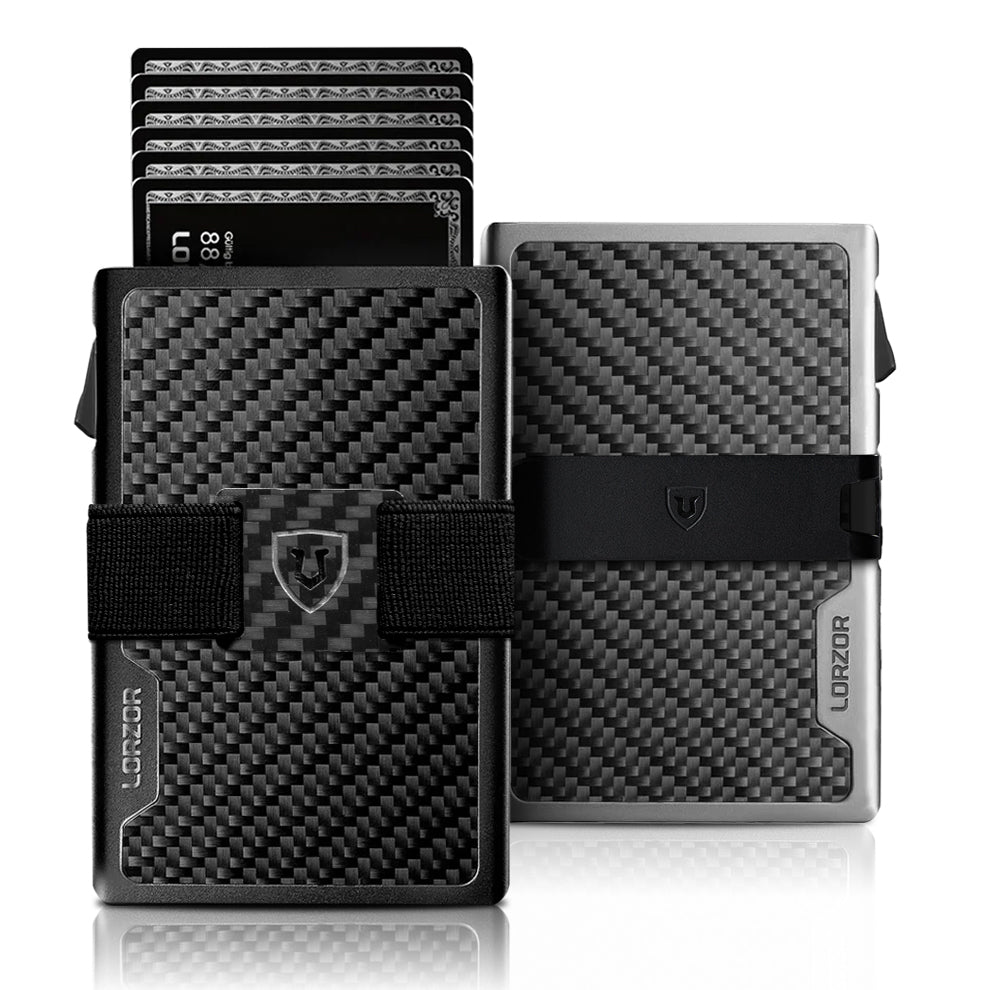
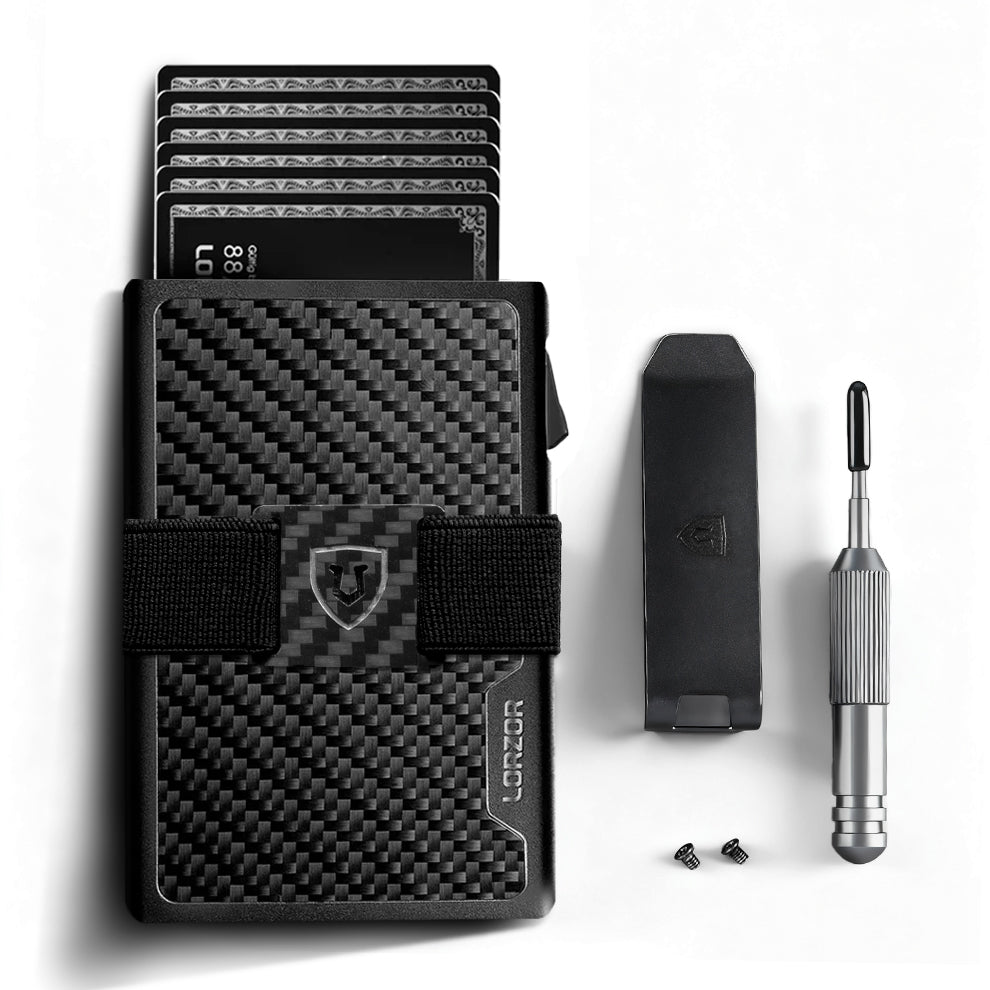
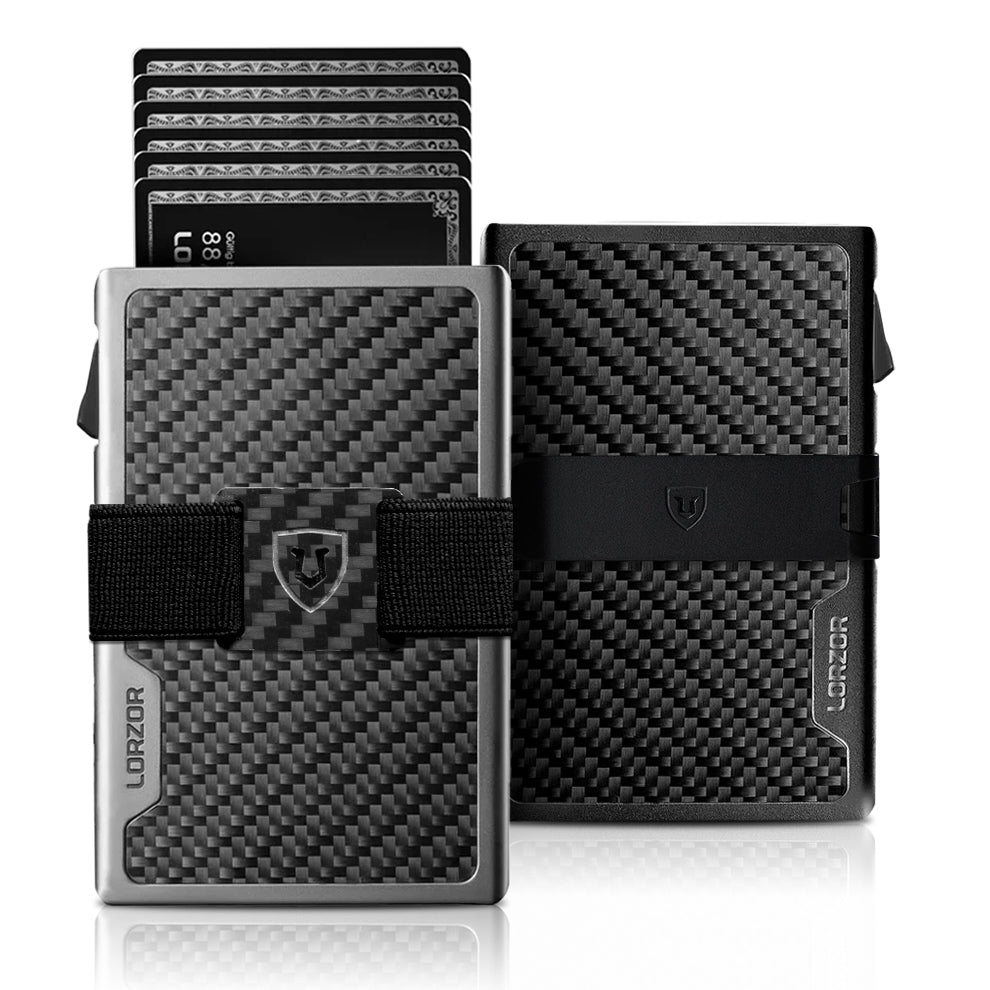
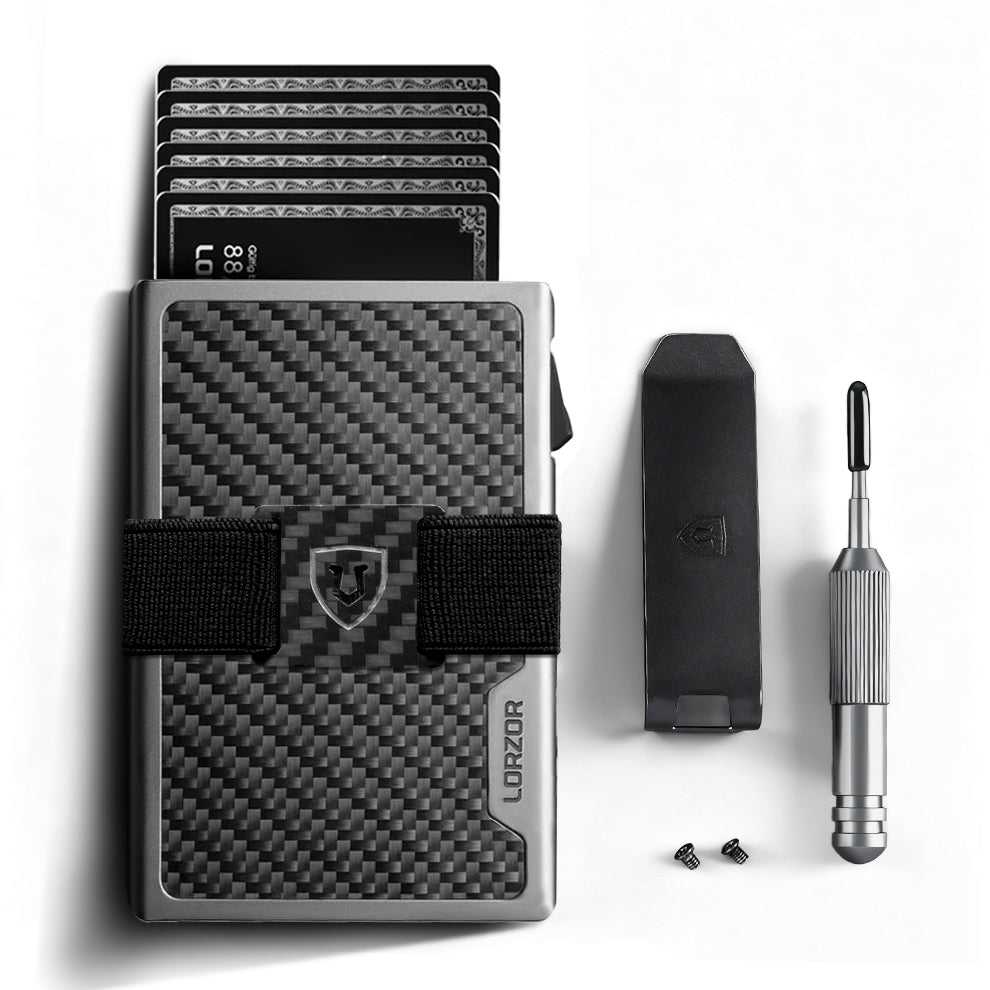
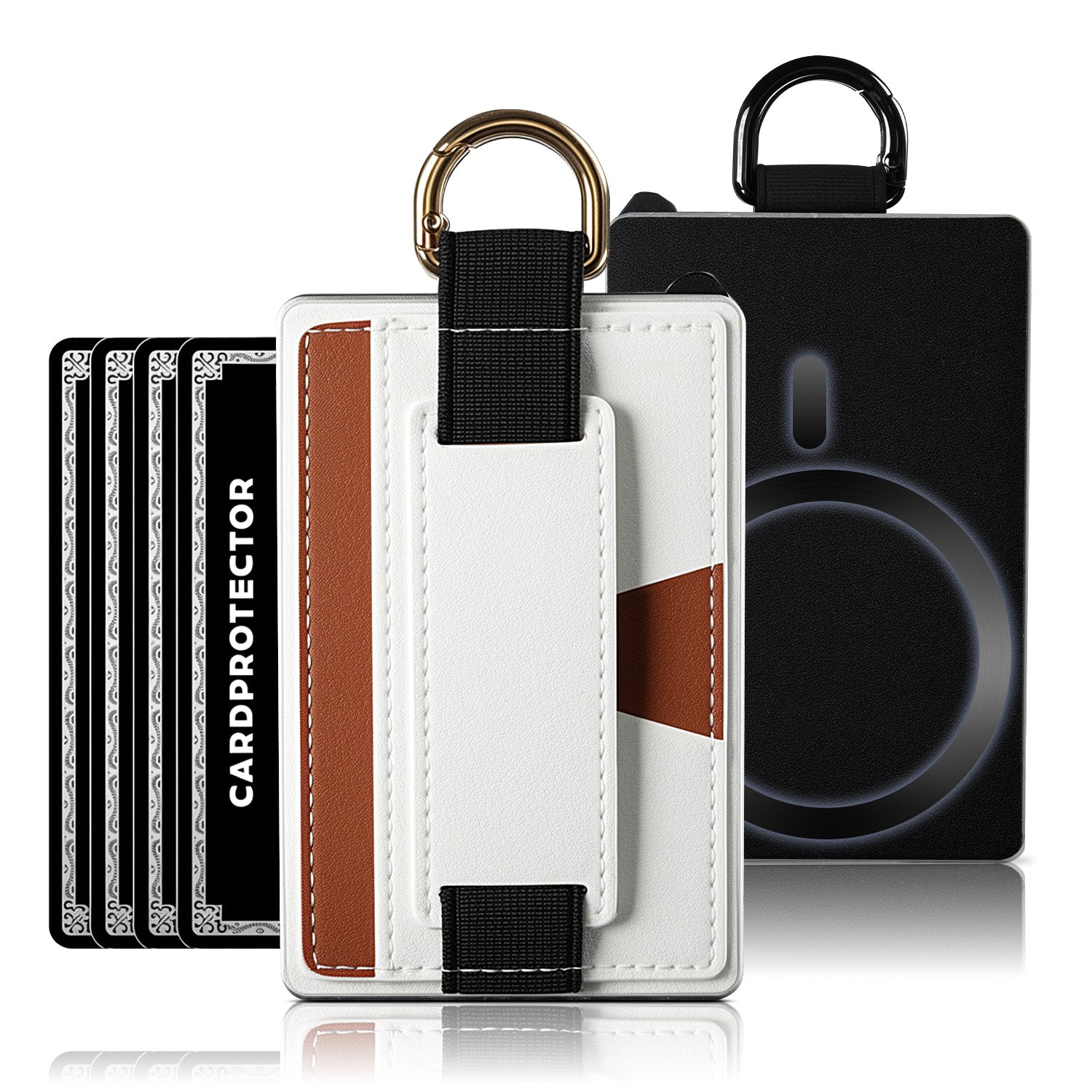
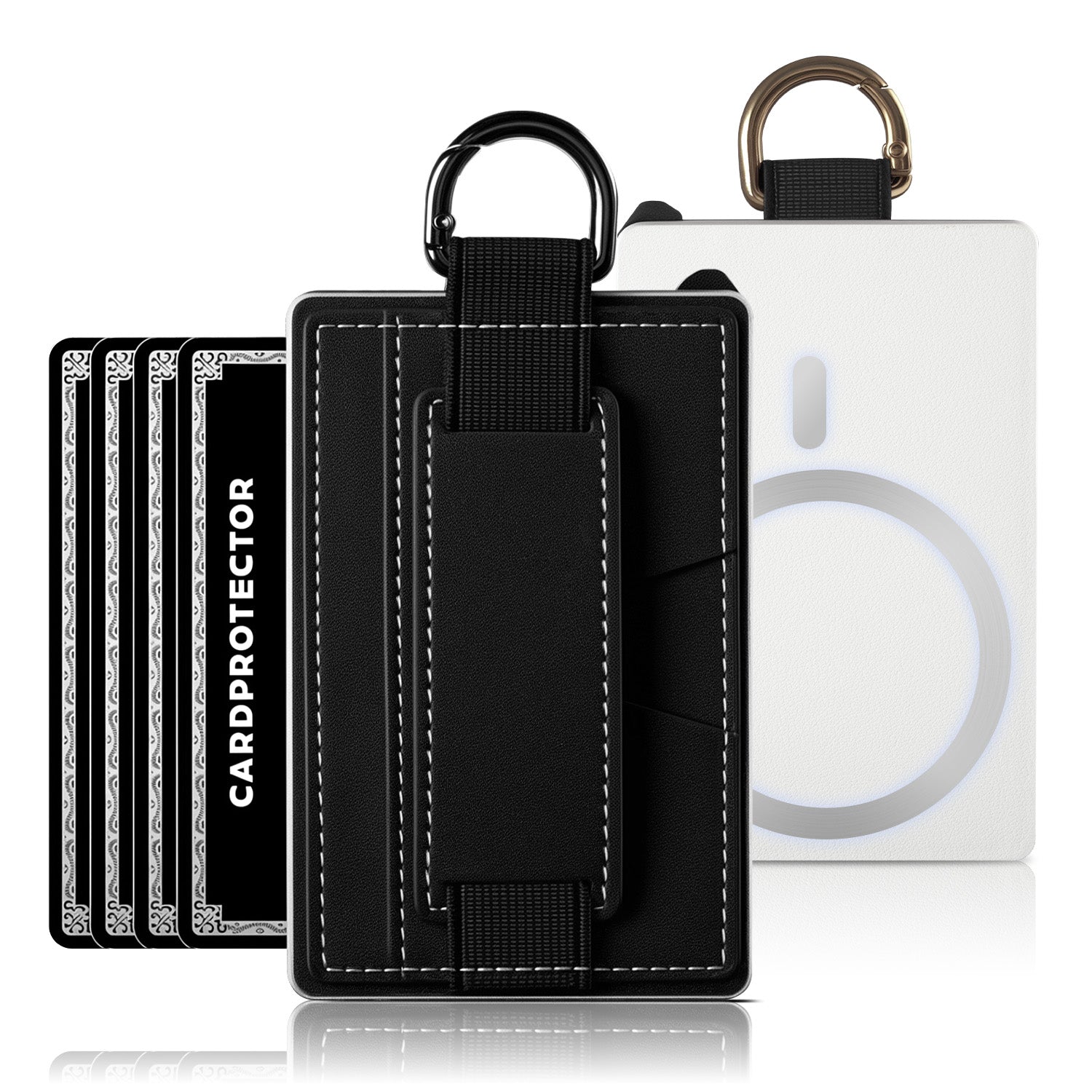
A compact wallet that combines a leather body, pop-up card case, magnetic closure, ID window, RFID-blocking card storage, and an AirTag holder. It is designed for users who want a smaller wallet with quick card access and location-tracking support.
Product Overview
A compact wallet that combines a leather body, pop-up card case, magnetic closure, ID window, RFID-blocking card storage, and an AirTag holder. It is designed for users who want a smaller wallet with quick card access and location-tracking support.
Key Specifications
| Product type | Magnetic pop-up AirTag wallet |
|---|---|
| Primary material | Full-grain leather exterior with card case |
| Listed color | Vintage Brown / Silver |
| Model reference | LORZ-MagTri-4.5 as listed |
| Card capacity | Up to 8-12 cards depending on card thickness |
| Cash storage | Holds folded cash; listing references 10+ bills |
| ID storage | ID window |
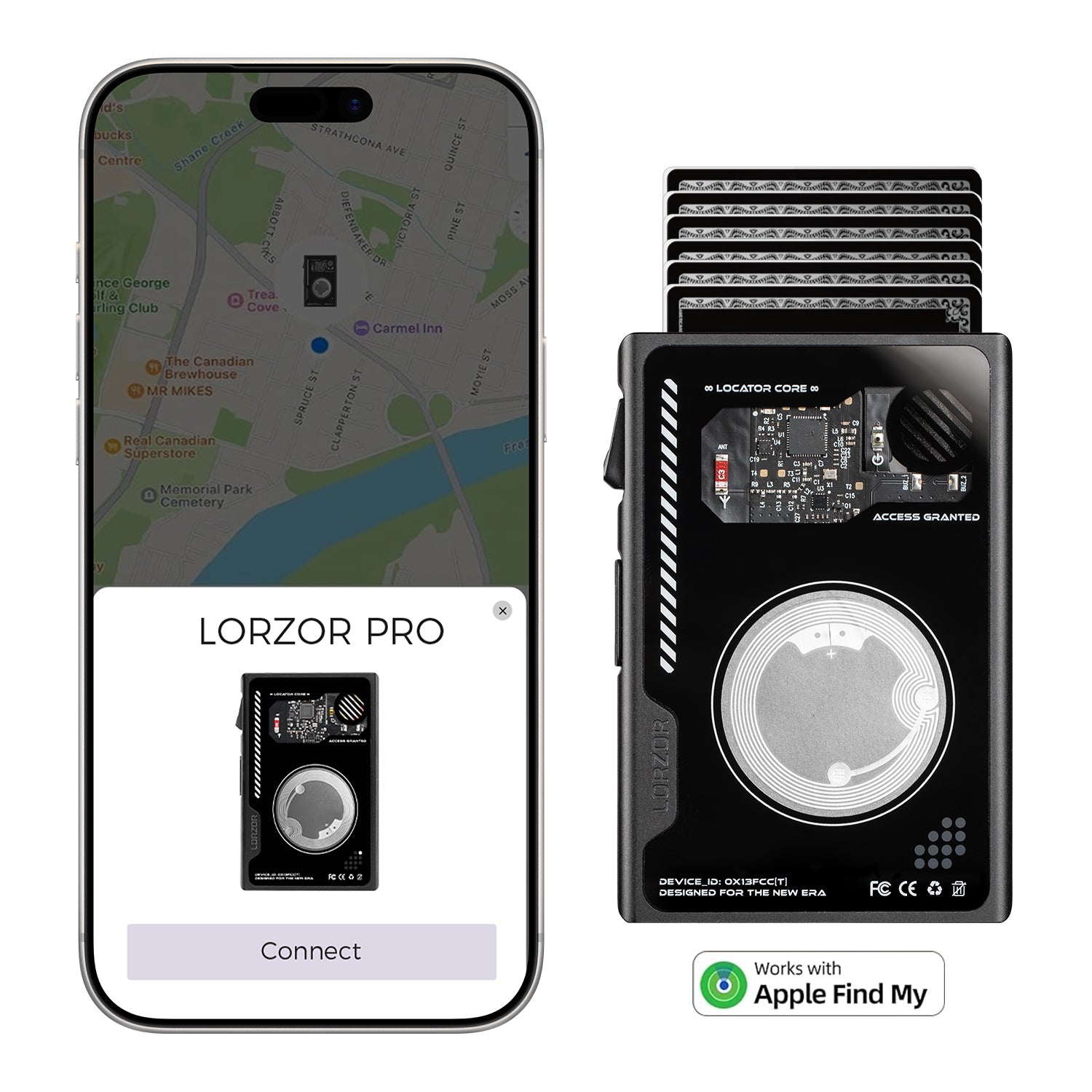
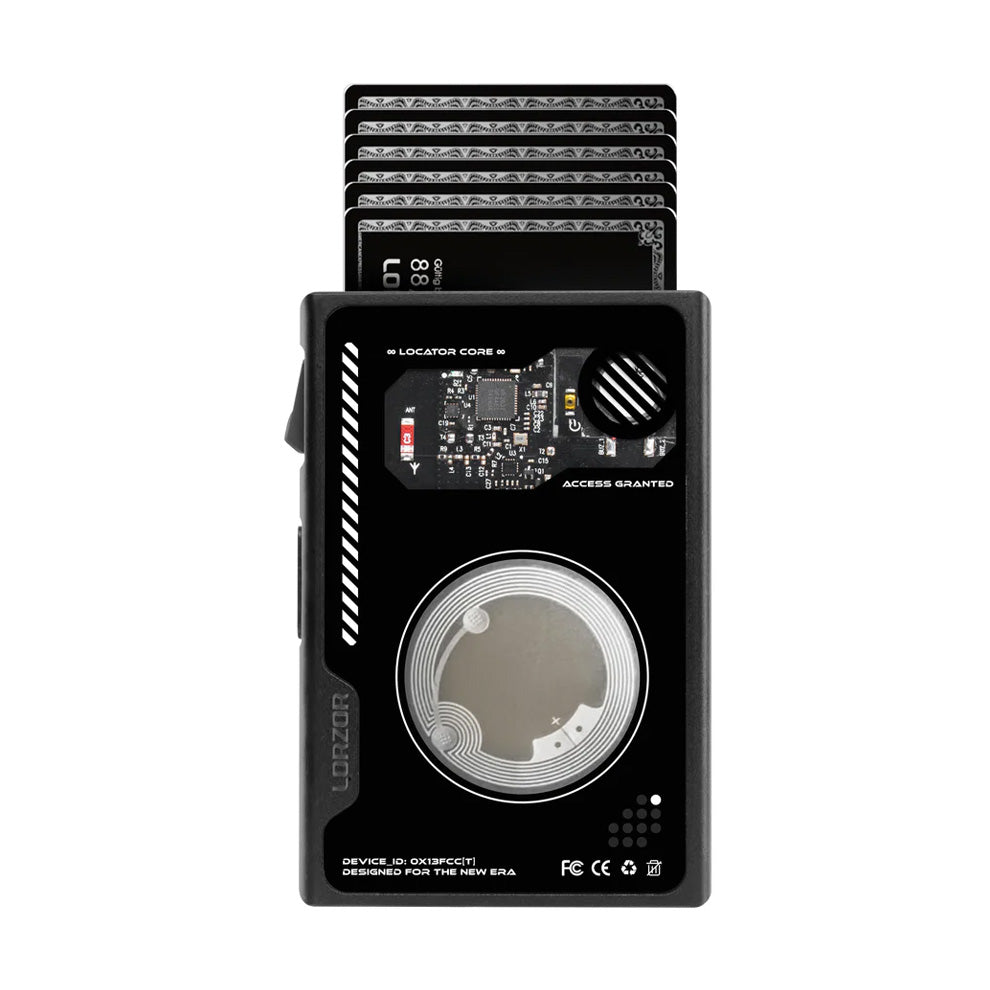
| Tracking feature | Integrated AirTag holder; AirTag is not included |
| Closure | Magnetic closure |
| Approx. size | 0.79 x 2.64 x 3.86 in |
| Approx. weight | 7 oz |
| Care | Use a dry cloth for routine cleaning; avoid excess moisture |
Quick Start
- Insert your primary cards into the pop-up card case. Start with fewer cards if the case feels tight.
- Use the trigger to lift cards into view, then select the card you need.
- Place ID in the window and keep backup cards in the leather storage sections.
- Fold bills neatly before placing them inside the wallet.
- Install the AirTag in the holder and close the wallet to confirm it does not press against cards or cash.
Feature Notes
- The pop-up case is intended for quick access to the cards you use most often.
- The magnetic closure helps keep the wallet closed during normal carry.
- RFID blocking is intended for compatible cards stored in the protected card case or listed RFID areas.
RFID protection applies to compatible cards stored in the RFID-blocking areas of the wallet. AirTag is sold separately.
Care and Maintenance
- Wipe the leather gently with a clean, dry cloth after daily use.
- Avoid soaking, machine washing, bleach, alcohol-based cleaners, and long exposure to direct heat.
- If the leather becomes damp, let it air-dry naturally at room temperature before storing.
- Natural leather may develop marks, color variation, and patina over time. This is part of normal use.
Safety and Use Notes
- Keep the magnetic closure away from items that may be affected by magnets.
- Avoid carrying coins or hard objects in the card chamber.
- AirTag is sold separately. Apple and AirTag are trademarks of Apple Inc.
Troubleshooting
| Cards feel tight | Remove one card, test the mechanism again, and reload cards of similar thickness together. |
|---|---|
| Card ejection is uneven | Check that cards are fully inserted and that the chamber is not overloaded. |
| Wallet feels bulky | Reduce duplicate cards, old receipts, coins, or thick metal cards. |
| AirTag does not sit flat | Remove it, inspect the holder, then press it back in evenly until secure. |
| Leather looks dry | Use a small amount of leather-safe conditioner only when needed and test on a hidden area first. |
Customer Support
For setup questions, order support, or product help, contact support@lorzor.com. Include your order number, product name, and a clear photo if the question is related to fit, finish, or function.