Best AirTag Wallets for iPhone Users: What to Look For

A practical iPhone-user guide to AirTag fit, wallet shape, card access, RFID protection, and choosing the right LORZOR AirTag wallet.
An AirTag wallet sounds simple until you actually carry one.
You buy the tracker for the one bad moment: the wallet left in a rideshare, the hotel room drawer, the jacket you wore last Friday, the airport tray that suddenly feels too far away. But you use the wallet in all the normal moments too: coffee, parking, office access, a quick ID check, and the folded bill for the one place that still loves cash.
The best AirTag wallet for iPhone users is the one that gives AirTag a proper home without making the wallet annoying the other 99 percent of the time.
AirTag brings the Apple Find My habit into physical carry. Apple lists Bluetooth for proximity finding, Ultra Wideband for Precision Finding on compatible devices, a built-in speaker, NFC for Lost Mode, and a user-replaceable CR2032 battery. Useful technology. Very useful, actually.
But AirTag is also a small round object that is 0.31 inch thick. Pretending that does not matter is how a good idea becomes a wallet-shaped bump.
So start with a better question: where does the AirTag live, and what happens to the rest of the wallet after it moves in?
The AirTag Should Have a Real Home
A good AirTag wallet starts by giving the tracker a dedicated place. Not a loose corner. Not a pocket that was clearly meant for something else. Not a last-minute round cutout that looks fine in one photo and questionable in a front pocket.
AirTag needs to stay in place. Its speaker should not be buried so badly that finding nearby becomes a guessing game. The holder should keep the tracker secure, but still let the wallet look like a wallet instead of an AirTag wearing leather.
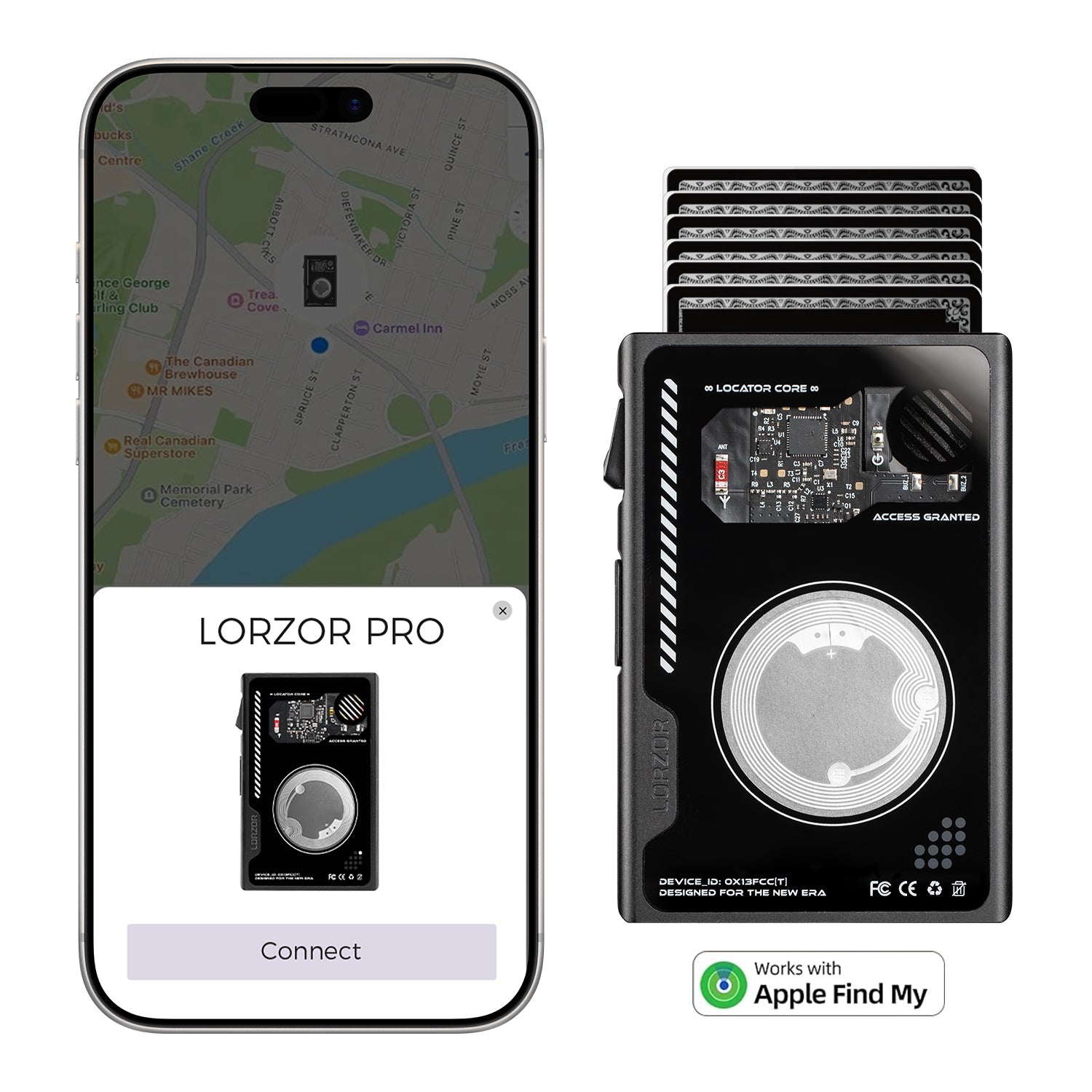
For iPhone users, the tracker experience is familiar: open Find My, check the item, play a sound, follow nearby guidance when supported, and look at the last reported location when the item is not beside you. The wallet's job is to make that easy to carry.

The Bump Is Not the Enemy. Bad Design Is.
Here is the honest part: AirTag is not flat. Any AirTag wallet has to deal with that.
The question is whether the design manages the thickness or simply hides the problem from the product photo. A well-built AirTag wallet can make the tracker feel integrated. A poor one can make the wallet feel like it swallowed a coin.
That is why low-profile placement, edge treatment, surrounding structure, and leather tension all matter. The user should be aware that the wallet can be found, not constantly aware that the tracker is pushing against the shape.
This is one reason LORZOR treats AirTag placement as part of the wallet structure. On bifold and passport styles, the built-in holder is meant to keep the look cleaner and more natural. On the LORZOR TriPop AirTag Wallet, the design challenge is harder because the wallet also includes trifold storage and pop-up card access. The AirTag area may still have a slight raised profile, but it is designed to feel controlled rather than pasted on.

Choose the Layout Before the Feature List
People often shop AirTag wallets by feature list. That is understandable. It is also how you end up with a wallet that tracks beautifully and carries terribly.
Start with your daily layout instead.
If you like opening a wallet and seeing individual slots, a bifold AirTag wallet makes sense. It feels familiar, gives cards and bills recognizable places, and makes the AirTag a smarter addition to a classic form.
If you want faster card access and more organized storage, a trifold pop-up AirTag wallet is stronger. It gives your main cards a quick-access mechanism, useful when you are paying in line and do not want to fan through everything like you are dealing cards at a kitchen table.
If travel is the real problem, a passport AirTag wallet is a different answer. Passport, cards, cash, SIM cards, receipts, hotel key, and tracker all need a place when you are moving through airports and hotels.
Quick LORZOR Fit Guide
| If you want | Start with | Why it fits |
|---|---|---|
| Clean everyday bifold | LORZOR Bifold AirTag Wallet A1 or A3 | Familiar fold-open layout, built-in AirTag holder, RFID protection, and full-grain leather for people who still like a classic wallet rhythm. |
| Bifold with cash focus | LORZOR Bifold AirTag Wallet A2 or A4 | Same AirTag-ready bifold direction, with a Money Clip for users who want folded cash handled more deliberately. |
| More organization and faster cards | LORZOR TriPop AirTag Wallet | Trifold slim design, pop-up card access, full-grain leather, RFID protection, and a built-in AirTag holder in one daily wallet. |
| Travel documents | LORZOR Passport AirTag Wallet | Passport, cards, cash, travel documents, and an AirTag slot in one leather travel wallet for airports, hotels, and rental cars. |

Card Access Still Matters
An AirTag helps when the wallet is missing. It does not help when your card is trapped behind six other cards and the cashier is waiting.
That is where card access becomes part of the buying decision. Some people prefer traditional slots. Others want pop-up card access because it shows the cards in a stepped layout. Neither is automatically better. The better choice is the one that matches your hand habits.
The LORZOR Bifold AirTag Wallet A1 is the cleaner, familiar route: open, see, take. The LORZOR TriPop AirTag Wallet is the faster, more structured route: press, choose, continue with your day.
Tiny daily frictions matter. The wallet you like on day one should not become the wallet you complain about by week three.

RFID Protection and AirTag Tracking Are Not the Same Thing
RFID protection and AirTag tracking are often mentioned together, but they solve different problems.
RFID protection helps shield compatible contactless cards when they sit inside a protected area of the wallet. AirTag helps you locate the wallet when an AirTag is installed and connected through Apple's Find My ecosystem. One is about card signal protection. The other is about finding the object.
The best AirTag wallets for iPhone users do not blur those two ideas. They give your contactless cards sensible protection, give the AirTag a sensible home, and keep the wallet useful for cards, cash, ID, and daily carry.
Security should feel practical, not theatrical. You should not need a lecture every time you buy a sandwich.
AirTag Wallet Buying Checklist
| What to check | What it should do | Why it matters |
|---|---|---|
| AirTag placement | The holder should feel intentional, secure, and easy to understand. | An AirTag has real thickness. A random pocket can create a lump; a dedicated holder makes the shape feel planned. |
| Wallet layout | Choose bifold, trifold, or passport format based on what you actually carry. | Tracking helps when the wallet is missing. Layout matters every single time you pay, show ID, or store cash. |
| Card access | Look for clean access to daily cards, not just a place for the tracker. | At a checkout line, an AirTag cannot help you find the card buried behind everything else. |
| RFID protection | Treat RFID as payment-card protection, not a tracking feature. | RFID protection and AirTag tracking solve different problems. The best setup can support both without confusing them. |
| Material feel | The wallet should still feel good in hand after the AirTag is installed. | Leather, edges, stitching, and overall thickness decide whether it becomes a daily object or a drawer object. |

Leather Still Changes the Experience
An AirTag wallet can be smart and still feel cheap. That is the danger of treating the tracker as the whole story.
A wallet lives in the hand. It gets pulled from denim, set on a desk, pressed into a bag, and opened at a counter. Leather matters because it gives the object warmth, grip, and a surface that feels less like a gadget case.
This is where LORZOR's point of view stays consistent: technology belongs in the wallet, but the wallet should still feel right in hand. AirTag is the reassurance. Leather is the relationship.

Where LORZOR Fits
LORZOR AirTag wallets are built for iPhone users who want tracking reassurance without giving up the feel and organization of a real wallet. The brand has 20,000+ real customer reviews globally across Amazon and online channels, with review themes around leather feel, slim carry, easy card access, storage, and gift value.
For a clean everyday option, start with the LORZOR Bifold AirTag Wallet A1 or A3. These are for people who want a familiar bifold shape with a built-in AirTag holder, RFID protection, and full-grain leather.
For a bifold with more deliberate cash handling, look at the LORZOR Bifold AirTag Wallet A2 or A4. They follow the same AirTag-ready idea and add a Money Clip for users who still carry folded bills.
For the most feature-rich daily AirTag wallet, the LORZOR TriPop AirTag Wallet is the one to watch. It combines a built-in AirTag holder, trifold slim design, pop-up card access, RFID protection, and full-grain leather.
For travel, the LORZOR Passport AirTag Wallet gives the AirTag a role beyond everyday carry. It brings passport, cards, cash, documents, and tracker-ready reassurance into one piece. That makes the most sense for people who do the hotel-room-pat-down before leaving: phone, passport, wallet, keys, charger, sanity.

The Best AirTag Wallet Is the One You Still Want to Carry
The best AirTag wallet for iPhone users should be easy to find when misplaced and easy to live with when it is not.
That sounds obvious. Many wallet designs still miss it.
Look for a real AirTag home. Look for a layout that matches your carry style. Look for card access that works in line, not only in a product video. Look for materials that feel good enough to become part of your day.
An AirTag can help you find a wallet.
Good wallet design is what makes you want to keep carrying it.

Search LORZOR, and upgrade the way your wallet moves with your iPhone.
Explore LORZOR AirTag WalletsFAQ
What is the best AirTag wallet for iPhone users?
The best AirTag wallet for iPhone users is one that gives AirTag a secure holder while still working well as a wallet. Look for comfortable shape, practical card access, RFID protection, real storage, and a layout that fits your daily routine.
Do LORZOR AirTag wallets include an AirTag?
No. LORZOR AirTag wallets include a built-in AirTag holder, but AirTag is sold separately by Apple unless a specific bundle clearly says otherwise.
Is an AirTag wallet the same as a GPS wallet?
No. An AirTag wallet works with Apple AirTag and the Find My network. It is not a standalone GPS wallet.
Does an AirTag make a wallet bulky?
AirTag has thickness, so placement matters. A well-designed AirTag wallet gives the tracker a dedicated space and manages the raised area so the wallet still feels intentional in hand and pocket.
Should I choose a bifold or trifold AirTag wallet?
Choose a bifold AirTag wallet if you prefer familiar slots, cash pockets, and a classic open-and-see layout. Choose a trifold pop-up AirTag wallet if you want more structure and faster access to your main cards.
Will RFID blocking affect AirTag tracking?
RFID-blocking wallet materials are designed for contactless-card protection. AirTag uses Bluetooth, Ultra Wideband on compatible Apple devices, and Apple's Find My network. For best results, use the AirTag holder exactly as designed.
Which LORZOR AirTag wallet is best for travel?
For travel documents, choose the LORZOR Passport AirTag Wallet. It is designed to organize passport, cards, cash, travel documents, and an AirTag slot in one leather travel wallet.